
TAMPanda: Just Another MuJoCo Wrapper
A short tour of TAMPanda, now public: a MuJoCo wrapper for the Franka Panda that takes you from a symbolic plan to a physically validated, collision-free execution — so you can work on the algorithm, not the plumbing.
I’ve open-sourced TAMPanda, the task-and-motion-planning library I’ve been building in our group at RWTH Aachen (the Chair of Machine Learning and Reasoning, i6). Its own README calls it “just another MuJoCo wrapper,” which is honest and also a little self-deprecating.
The motivation is unglamorous. Going from a tidy planning benchmark to a physics simulation is a slog: before you can test a single idea you need scenes, collision detection, a grasp pipeline, inverse kinematics, and a control loop. TAMPanda is the pile of infrastructure I kept rewriting, finally packaged so the next person — usually me — can spend their time on the algorithm instead of the plumbing.
What’s in the box
At its core it drives a Franka Emika Panda (and a differential-drive mobile robot) in MuJoCo 3 — MIT-licensed, Python ≥ 3.10. The layers stack the way you’d hope:
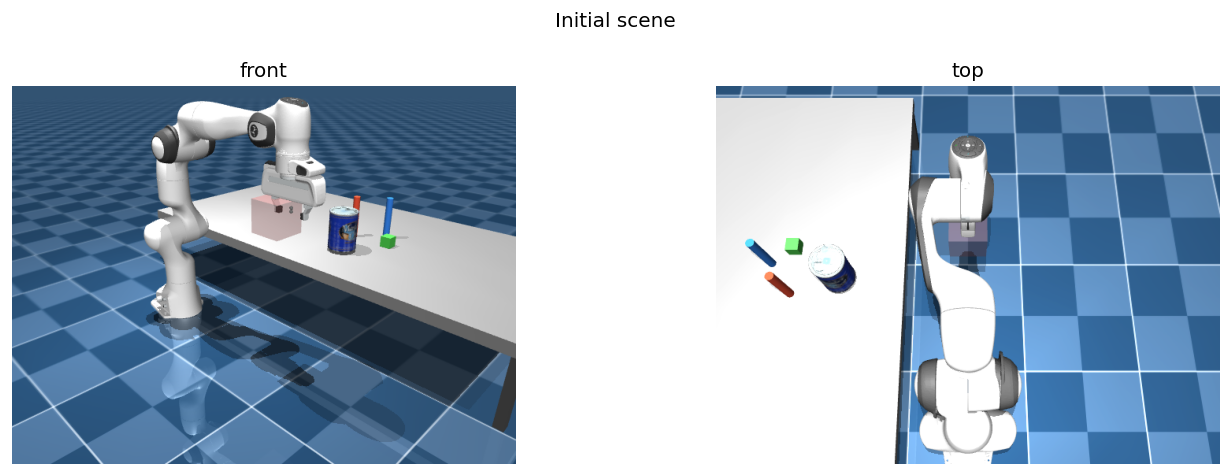
SceneBuilder — the Panda at a tabletop, front and top views.- Scenes — a
SceneBuilderassembles environments from reusable MJCF templates at runtime, with hot-reload, and fetches ~80 YCB and ~1,000 Google Scanned Objects on demand. - Control & IK — gravity-compensated position control, collision detection, and differential IK via MINK.
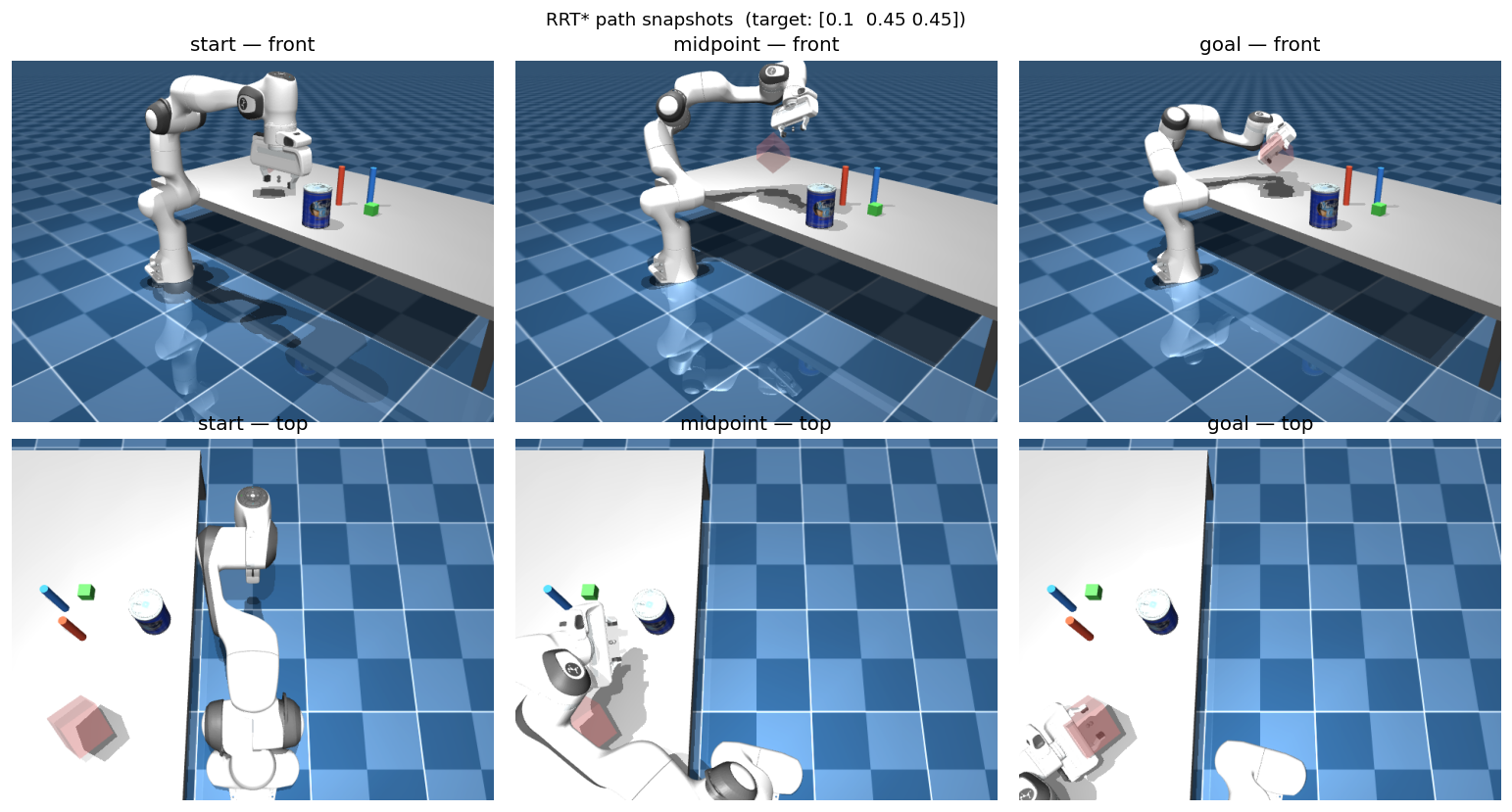
- Motion planning — RRT* with path smoothing in joint space, A* navigation for the mobile base, and parallelised RRT feasibility checks fast enough to shape rewards inside a learning loop.
- Grasping — geometry-aware grasp-candidate ranking, and a
PickPlaceExecutorthat runs end-to-end pick-and-place with multi-candidate retry.
So a handful of lines takes you from an empty table to a placed block:
env      = builder.build_env(rate=200.0)
planner  = RRTStar(env)
executor = PickPlaceExecutor(env, planner, GraspPlanner(table_z=0.27))

ok = executor.pick("block_0",
                   env.get_object_position("block_0"),
                   env.get_object_half_size("block_0"),
                   env.get_object_orientation("block_0"))
if ok:
    executor.place("block_0", np.array([0.50, 0.25, 0.31]))
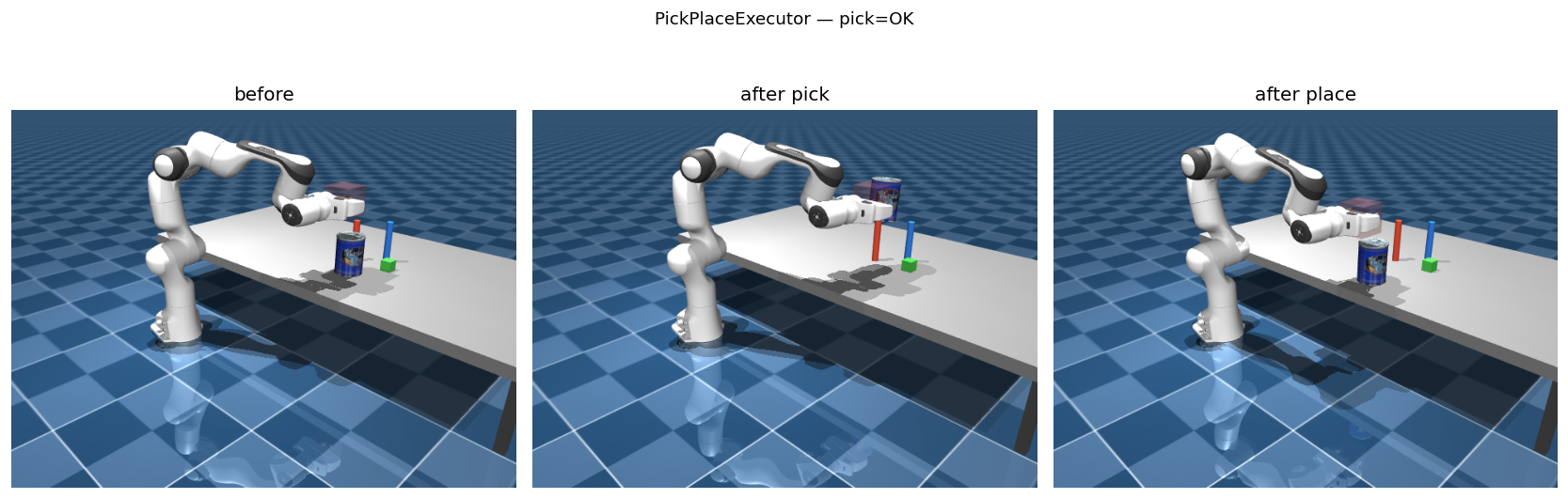
PickPlaceExecutor running the loop above: before, after the pick, and after the place.The part I actually care about
The piece that makes TAMPanda more than a control sandbox is the DomainBridge. You wire any PDDL domain to the continuous stack with a few Python decorators — register predicate evaluators, action executors, and pose samplers — and then call ground_state, plan, and execute_action without writing any domain-specific glue. Planning itself goes through unified-planning, so the solver is swappable.
The detail I like most: before a symbolic action like pick(block) is committed to a plan, an ActionFeasibilityChecker validates it against the continuous planner — IK plus RRT* — so the plan can’t promise something the arm can’t actually do. That’s the same conviction I wrote about last time: keep the symbolic scaffold legible, and make the geometry answer to it rather than the other way around. TAMPanda is, in part, the tooling that lets me work that way.
For the learning side
tampanda.gym wraps any scene as a standard gymnasium.Env: configurable observation spaces (joints, end-effector pose, object poses, RGB, depth, point clouds), three action spaces (joint delta, joint target, Cartesian end-effector delta via IK), and a goal-conditioned TampandaGoalEnv with HER-compatible rewards. The DomainBridge can be plugged in as a bridge_factory, so the symbolic state shows up in info and predicate vectors can serve as structured goals. There’s a PseudoGraspWrapper for kinematic attachment, an ExpertActionWrapper for imitation learning, and a spawn-safe make_vec_env for parallel rollouts.
Scope, honestly
It’s a deliberately lightweight alternative to full TAMP systems — good for rapid prototyping, not a replacement for a production stack. Some corners are still rough (point-cloud grasping on unseen objects is a work in progress). It’s in active use for ongoing work in our group; you can read the broader research context here.
If it’s useful to you, the getting-started notebooks are the fastest way in, and there’s a bibtex entry in the README if you end up citing it. Issues and pull requests welcome — it’s only another MuJoCo wrapper, after all.